
THE FOUNDATION OF ACCURATE JOB COSTING.
Work Area Breakdown.
Better Detail.
Better Decisions.
Breaking projects into clearly defined work areas is the key to accurate job costing and true profitability.

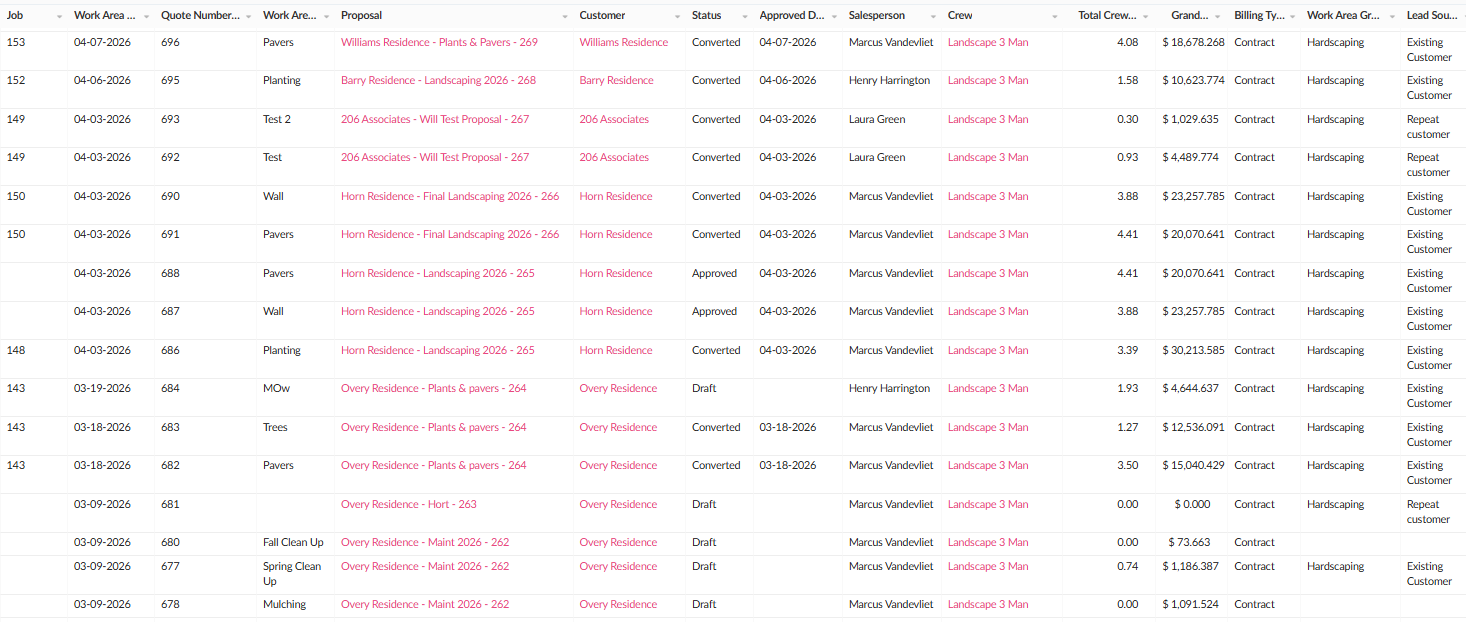
Compare estimate versus actual by work area.
Get true profit and loss by work area.
Make better decisions backed by real data.
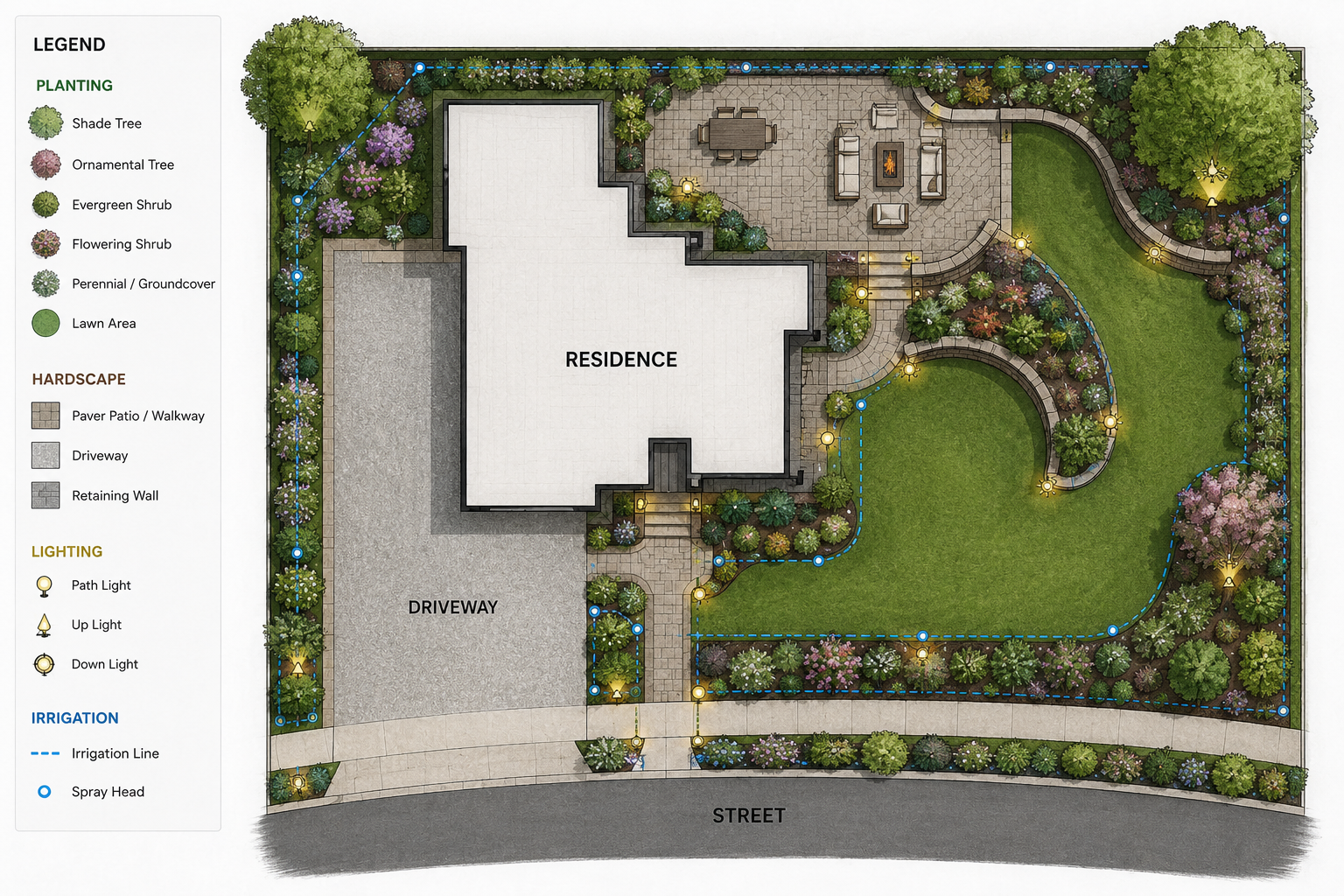
Track costs by the exact area of work.
Group work areas by type to create summary reports.
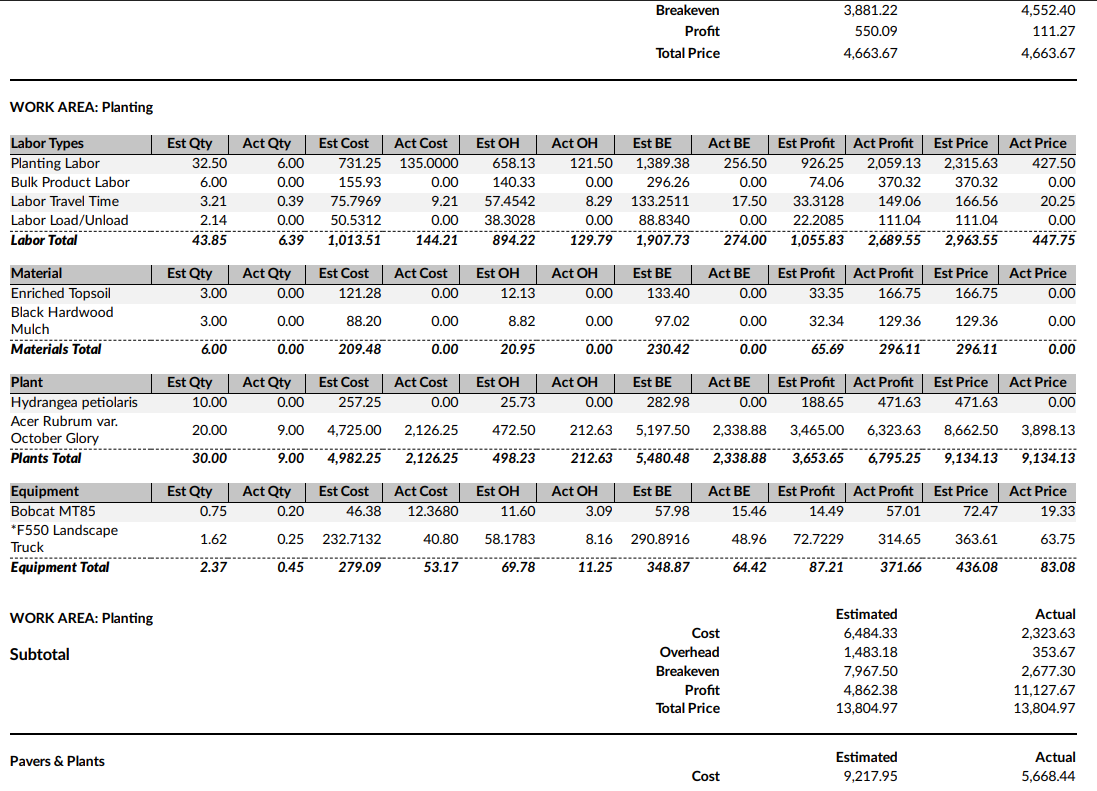
WHY WORK AREA BREAKDOWN MATTERS

Pinpoint Performance.
See exactly which areas are profitable and which are not.


Control Costs.
Track labor, materials, equipment and subcontractors by work area to identify issues

Stronger Estimates.
Use historical data by work area to build more accurate future estimates and kits.

Protect Profit.
Understand true costs and performance down to the smallest detail.

More Detailed Reports.
Drill down to the level you need for better insights and confident decision making.
JOB COSTING DEFINED.
Estimate versus actual.
Plan vs. reality.
Job costing is the estimate compared to the actual work completed, what we thought was going to happen to what it actually did.
By breaking down projects into work areas and comparing every line item you can:
Determine standard production rates.
Develop standard operating procedures.
Make consistent, data-driven decisions throughout the organization
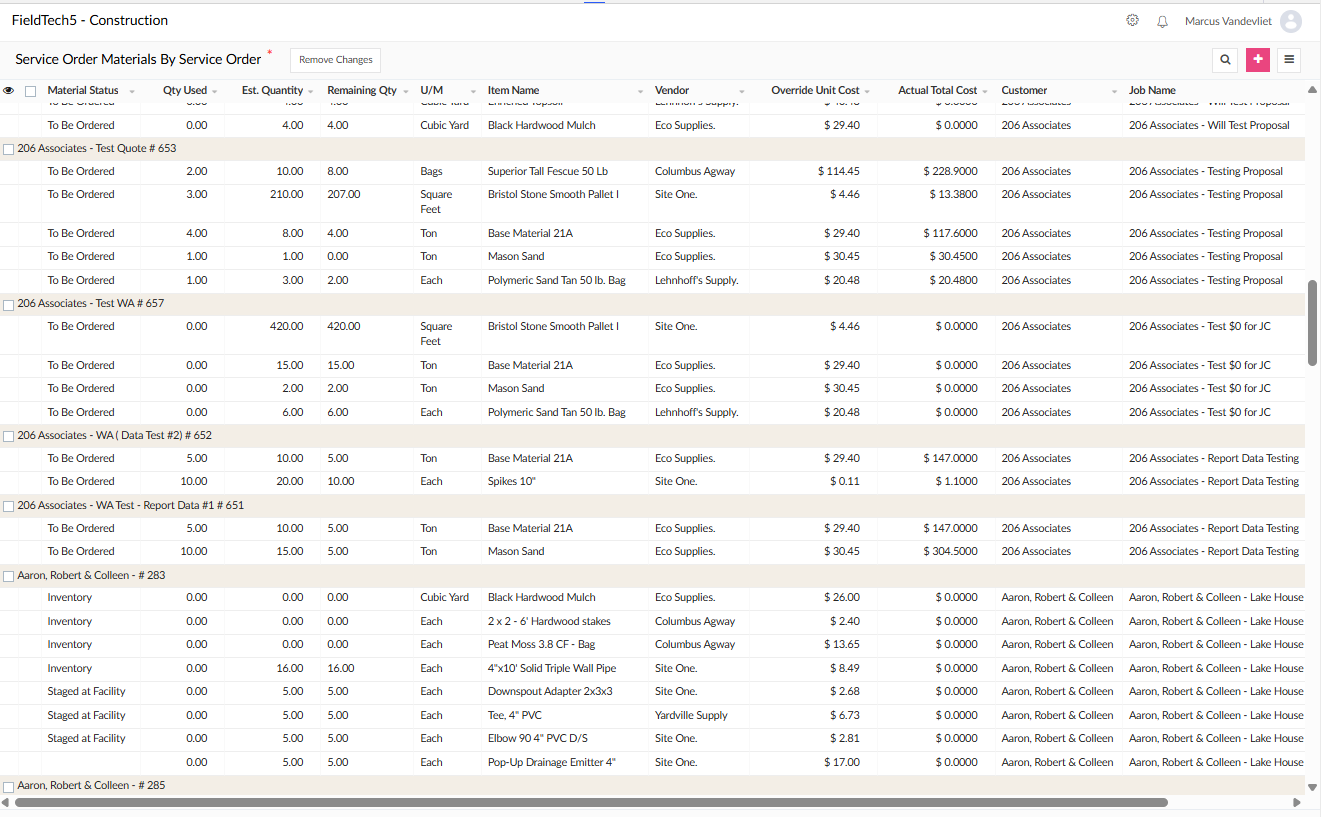
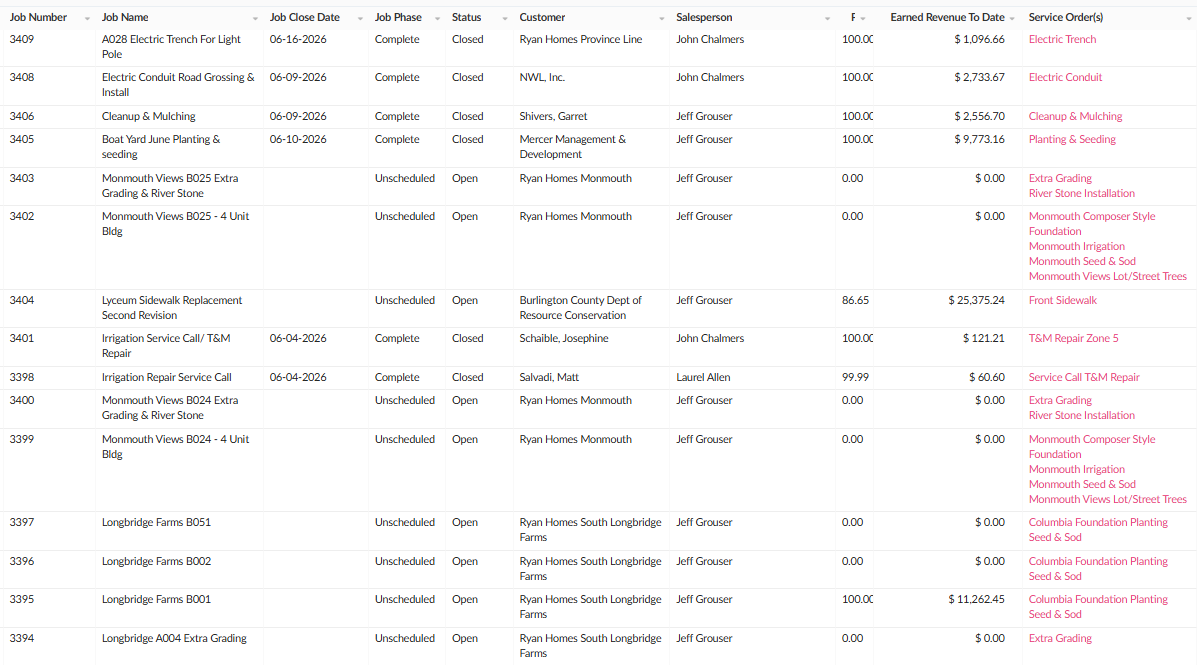
WHAT IS A GENERAL CONDITION?
General conditions are indirect project costs that support the work being performed but are not tied to a specific production activity.
These costs are often overlooked during estimating, resulting in inaccurate pricing, inconsistent margins and unreliable job costing.
Field tech allows general conditions to be assigned directly to individual work areas, ensuring each scope of work carries its fair share of project overhead and support costs.

COMMON EXAMPLES
Crew mobilization and setup.
Material and equipment mobilization.
Dumping & delivery fees
Sales Commission percentages.
Warranty percentages.
Contingency percentages.
Project management time
Standard equipment packages.
Permits and inspections.
Temporary facilities and utilities.
Site Factors: Access, repairs, etc.
ACCURATE PRICING STARTS WITH GENERAL CONDITIONS.
When general conditions are assigned by work area true options can be displayed on the proposal with accurate pricing.
Each option includes its true share of general conditions.
Apples to apples option comparisons.
Confident pricing. Better win rates.
DECISIONS THAT CAN BE APPLIED BY WORK AREA.

Salesperson.
Multiple salespeople can be applied to one proposal.
Track revenue, commissions and performance by salesperson.

Billing Type.
Choose the billing method per work area.
Contract (fixed price).
Time and material.

Lead Source.
Assign the lead source for each work area.
Analyze which sources produce the most profitable work.

Sales Tax.
Apply sales tax differently by work area based on the type of work and local taxing requirements.

Work Area Group.
Groups similar work areas across multiple proposals to create a consolidated report and profitability analysis.

Crew.
Assign the specific crew that will perform in each work area.
Track crew productivity and profitability.

General Conditions.
Apply general conditions to each area for maximum pricing and job costing accuracy.

Options On Proposal.
Select work areas to be displayed as options.
Options are not included in the proposal total, and are listed separately.

Percentages.
Apply percentages per work area for: warranty, commissions, contingencies and more.

Warranties.
Assign the appropriate warranty proposal verbiage by work area based on the type of work being performed.

Price Override.
Adjust the profit margin by work area to meet your pricing strategy and market conditions.

Warranties.
Assign the appropriate warranty proposal verbiage by work area based on the type of work being performed.
Other Variables
Scope of work notes describe the work to be completed.
Labor breakdown by man-hours, crew-hours & crew-days.